The short answer
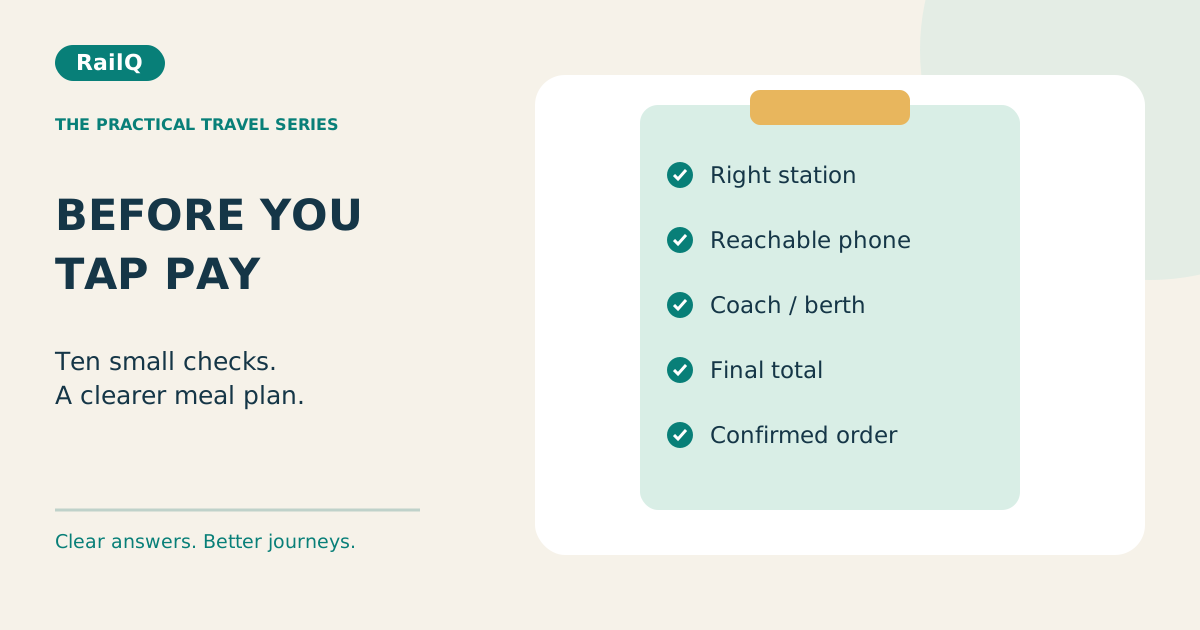
Before paying, confirm where the food will arrive, how the delivery person will reach you and what the final order includes. Then save the confirmed order. This checklist is for the checkout moment; it does not require sharing your PNR with RailQ.
1. Open the genuine ordering service
Use the provider’s official website or app-store link. Be careful with messages that send you to a lookalike page or ask for payment to a personal account. IRCTC’s first-order guide directs passengers to official ordering and support channels. If a supposed support agent asks for remote access to your phone, stop and find support from the order itself.
References: [1]
2. Check the journey and travel date
If you have several tickets, make sure you are using the journey you will actually take. Compare the train number, date and route in the food-order summary with your ticket. Do not post a screenshot containing the full PNR to ask a public group which option to choose.
3. Read the delivery station twice
A city name may refer to several railway stations. Match the station name and code, and confirm the train stops there after you board and before you leave it. A restaurant serving the same city is not proof that it serves your selected railway halt.
4. Check the accepted delivery window
Confirm that the order is still accepted for your stop. Do not treat a countdown on a coupon page as the restaurant’s cutoff. If the train is late, check the provider’s order screen for changes rather than adding the delay to the booking deadline yourself.
5. Use the traveller’s reachable phone
Ordering for a parent or friend? Check which number will receive delivery calls and order updates. The payer may be at home while the recipient is on the train. Share the order reference privately with the traveller and make sure they know which station and meal to expect.
6. Confirm coach and berth details
Use the actual allocation available for the journey. A waiting-list position is not a berth number. If coach details change, use the provider’s update or support process; do not assume that a note added elsewhere will reach the delivery person. Keep your ticket details private.
7. Check portions and dietary details
Read how many items a combo contains. A thali name alone may not tell you whether rice, bread, curd or cutlery is included. For Jain preparation, allergies or another specific need, ask the outlet directly. A vegetarian label alone does not establish ingredients or freedom from cross-contact.
8. Compare the final payable amount
Look at the bill after fees, taxes and the accepted discount. Check whether the offer is an immediate reduction or a credit for a future purchase. Adding food you do not need just to reach a coupon threshold may increase what you spend.
9. Read cancellation before payment
Check when cancellation stops being available and whether a deduction applies. Do not assume that cancelling a train ticket cancels every independently placed meal order. If plans change, inspect the food order itself and keep the cancellation acknowledgement.
10. Save the order and check the handover
Find the confirmed order ID before closing the app. At delivery, match the restaurant, parcel and items with the order; report missing or incorrect items through official support. Keep the train journey safe: do not chase a delivery away from the coach during a short stop. A meal problem should not become a missed train.
Common questions
Can I order for somebody else?
Check the provider’s booking requirements and enter the actual traveller’s delivery details. Ensure the traveller can receive calls and knows the order reference.
What should I save if food is not delivered?
Keep the order ID, payment record, delivery station and relevant support messages privately. Report the issue through that provider within its complaint window.