The short answer
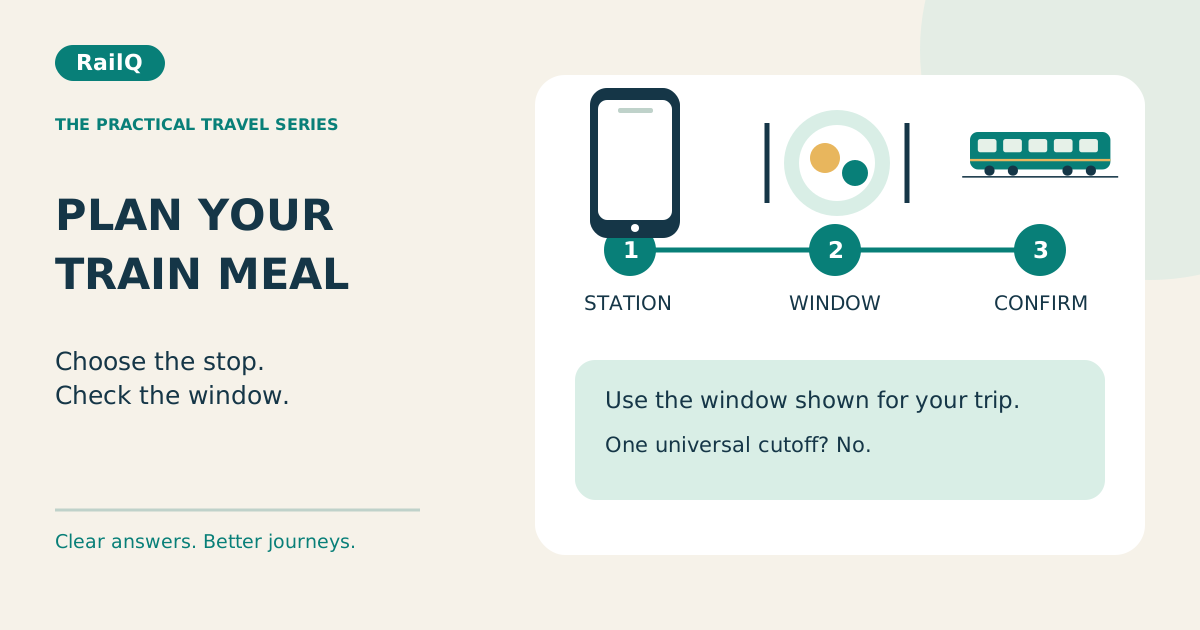
Look for a suitable delivery station before you become hungry, then order within the window shown for that restaurant and journey. There is no single deadline that works for every app. A station on the timetable is not automatically a food-delivery stop.
| Situation | Useful next step |
|---|---|
| Meal needed at 1 pm; delivery offered at noon | Check whether that meal and timing suit you. |
| Only a 3 pm stop is available | Plan a snack or another meal arrangement. |
| Train delayed; outlet may close | Contact order support before relying on delivery. |
| Payment debited; no order ID | Check order history before retrying. |
1. Start with the meal time, not the coupon
Imagine lunch is needed around 1 pm, but the first available delivery stop is at 3 pm. Even a large discount does not make that a suitable lunch plan. Check the route before departure, identify a useful stop and keep a small backup snack and drinking water. This is especially helpful when travelling with children or someone who needs meals at regular times.
2. Separate three different clocks
The timetable gives the planned arrival. Live running information estimates where the train is now and when it may arrive. The ordering screen sets the restaurant’s booking window. Use all three: a delayed train does not necessarily reopen an order window that has already closed. Check the actual train service and journey date before relying on the status.
3. Read the provider’s current cutoff
IRCTC’s current homepage explains that preparation time affects ordering and cancellation. Zomato’s published guide describes advance ordering and a final window before the delivery station. Swiggy also publishes an advance-order window, but its page contains differing timing statements. Treat such published timings as orientation; use the journey-specific checkout and contact support if it is unclear.
4. Use a planning reminder, not a guaranteed deadline
As a practical habit, review food options well before the intended meal—perhaps a couple of hours ahead when the journey allows it. That is a planning buffer, not a promise that every outlet will still accept an order. If only a later station is available, decide whether to eat your backup first rather than waiting indefinitely.
5. Order once and save the confirmation
Recheck the delivery station, traveller’s phone and coach details. After paying, look for the order ID and confirmed status. A payment debit alone is not enough to assume the meal is booked. If the screen freezes, check order history before paying again. Save the confirmation privately so you can find it even when the signal weakens.
6. Recheck when the train is delayed
An updated train location is useful, but the food provider controls the order. Open that order and ask about a change in arrival time, restaurant closure or delivery status. IRCTC’s terms describe limits when a late train reaches beyond service hours. Do not cancel and reorder elsewhere until you understand the first order’s cancellation outcome.
References: [4]
7. Be ready for the handover
Keep your phone reachable and check that the parcel matches your order. Use any delivery code only as instructed for the actual handover; it is not your bank OTP. Do not leave the train to chase a meal during a short halt. If delivery fails, keep the order ID and report it promptly through the provider’s official support.
Common questions
Can I order after boarding?
Often yes, if the provider offers an upcoming station and its ordering window is still open. Check your actual journey rather than assuming every stop is covered.
Should I wait for a delay before ordering?
No. Plan early, then review the confirmed order if the train’s timing changes. A delay can also push arrival beyond restaurant hours.